Light the Edge.
One Plugin,
Infinite Colors.
Flexible Saturator

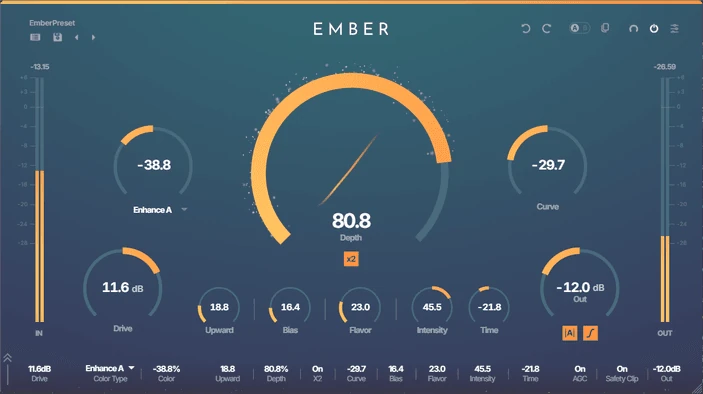
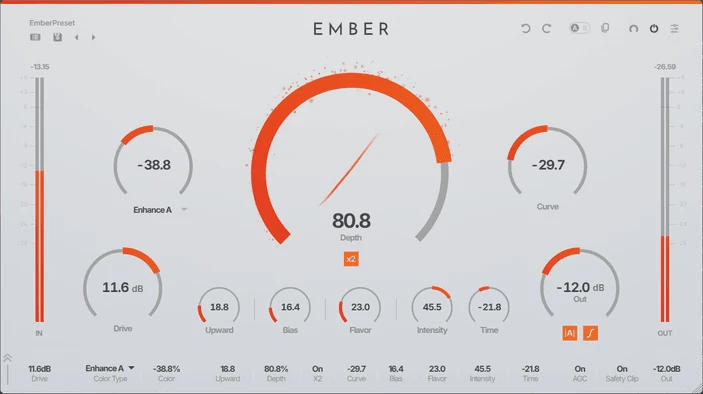
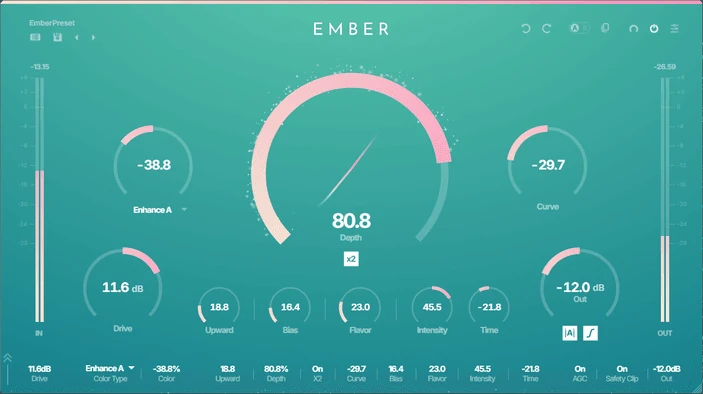
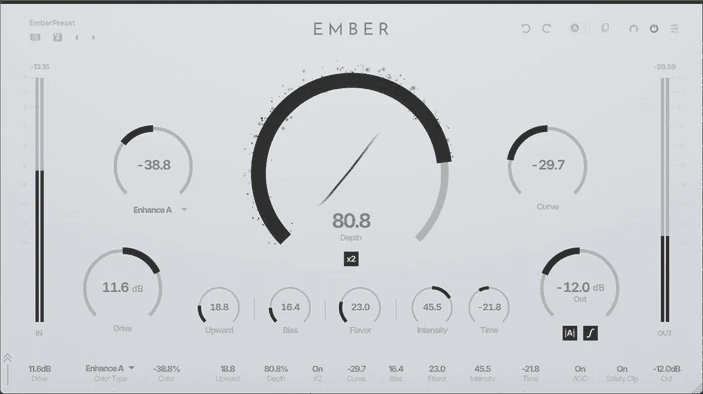
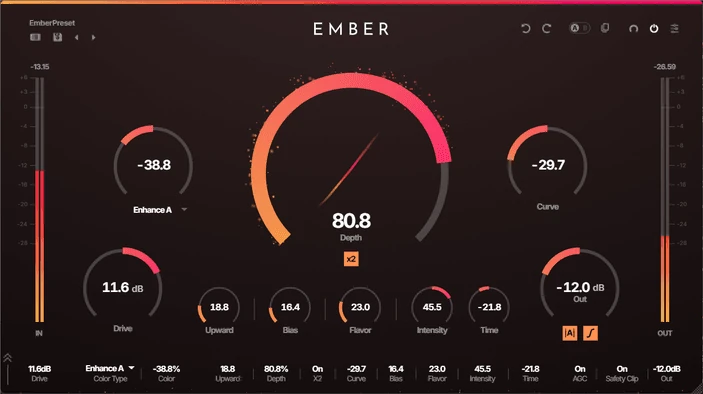
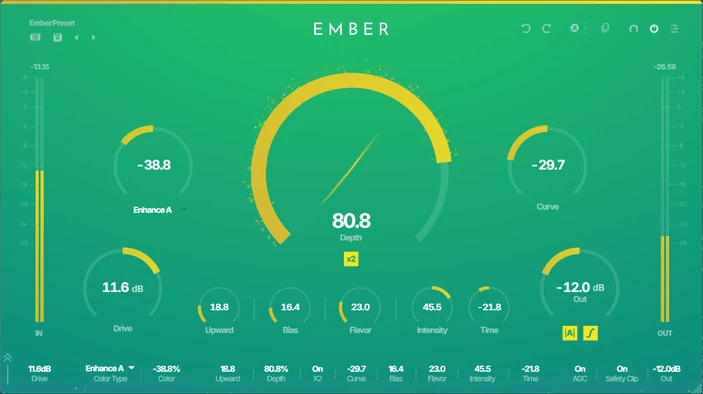
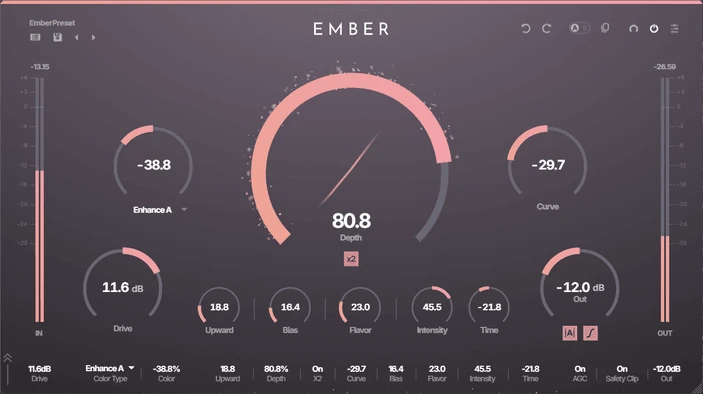
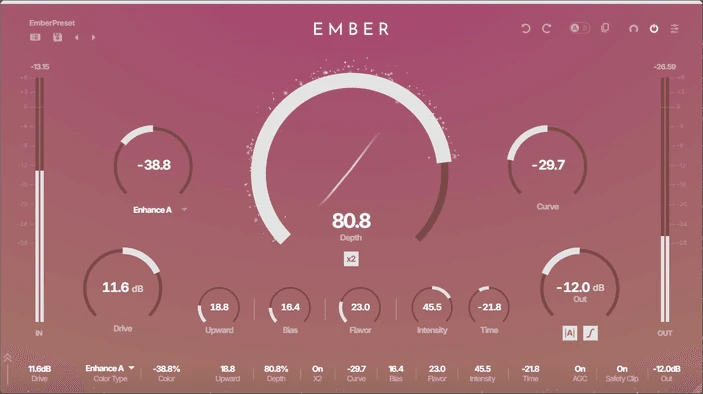
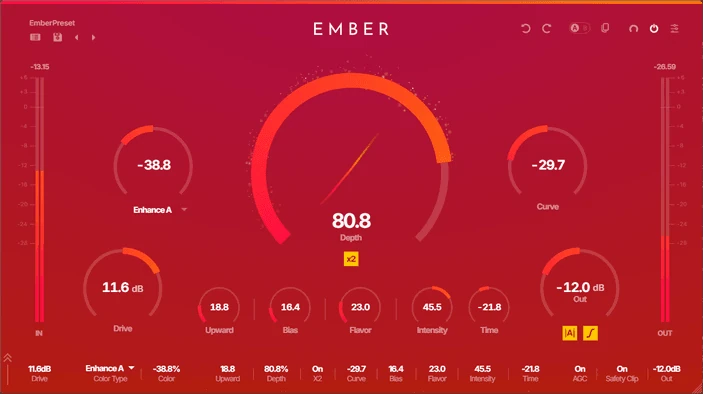
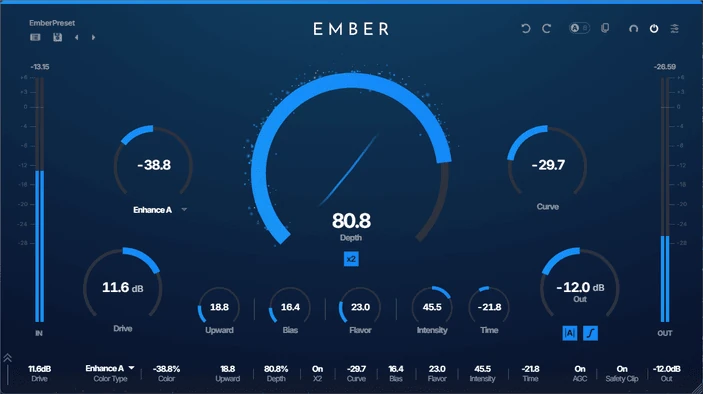
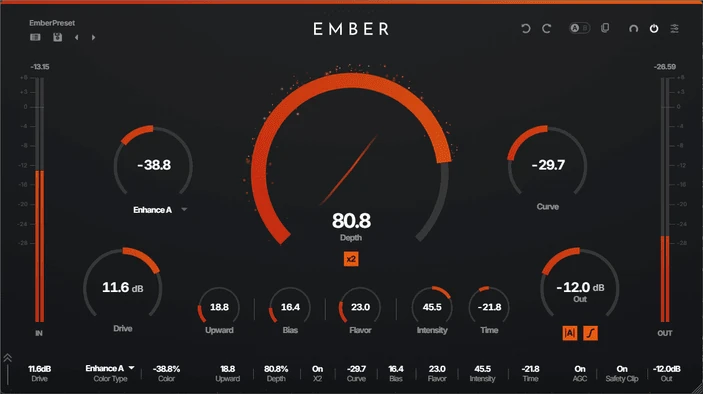
OVERVIEWEMBER is more than just a saturator.
Saturation, exciter, distortion. These are essential tools for adding color to your sound.
EMBER is designed to serve a wide range of purposes in a single plugin. Through extensive testing and refinement, we achieved a tool that balances simplicity and precision.
From warm, classic saturation to modern, exciter-like presence.
EMBER lights the edge of your sound.
PRESETSPresets Crafted by Leading Producers
EMBER's factory presets are crafted by leading producers.
All you need for professional results is to select a preset.
SOUNDSaturation, Redefined.
Proprietary Shaping Curve
Classic Saturation. Innovative Excitation.
From warm, classic saturation to modern, exciter-like presence — EMBER's proprietary shaping curve covers it all.
12 Color Types
Twelve meticulously designed filter curves, each with its own unique character.
From smooth warmth to bold presence, clarity to brilliance — select a color type and sculpt your tone with a single knob.
Dynamic Shaping
Three meticulously designed parameters enable an even more precise shaping approach.
They vary the shaping curve and texture based on input level, elevating the contour of your sound to its ideal form.
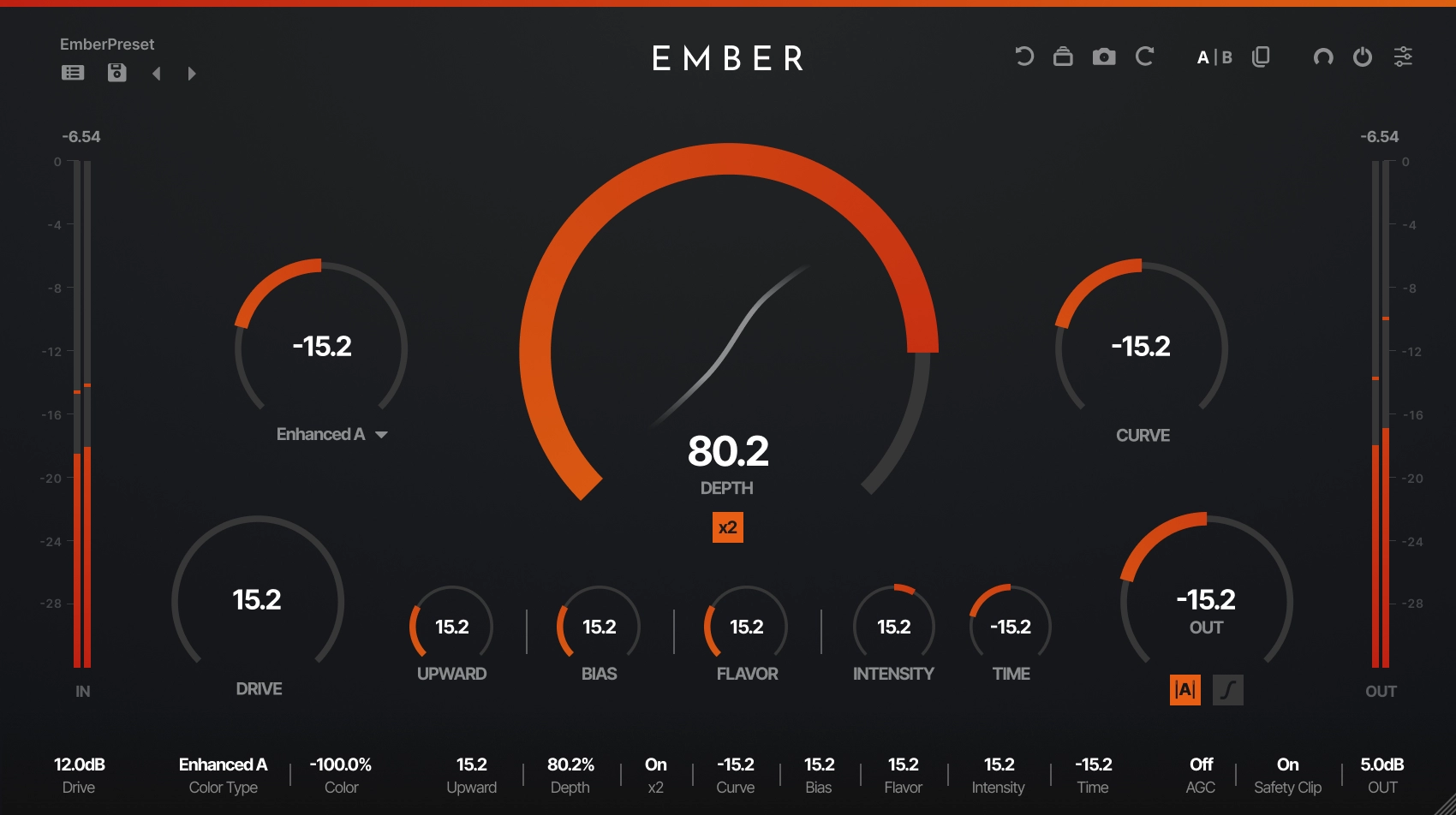
BIAS
Asymmetric shaping that generates even-order harmonics.
UPWARD
Upward compression that boosts low-level signals. Increases the density of any tone.
DEPTH x2
DEPTH controls the amount of shaping. Enable x2 for greater intensity and more powerful distortion.
AGC
Enable Auto Gain Compensation for automatic volume correction, so you can focus on sound design without being misled by volume differences.
Safety Clipper
Enable the safety clipper to automatically cut peaks so the output never exceeds 0 dB.
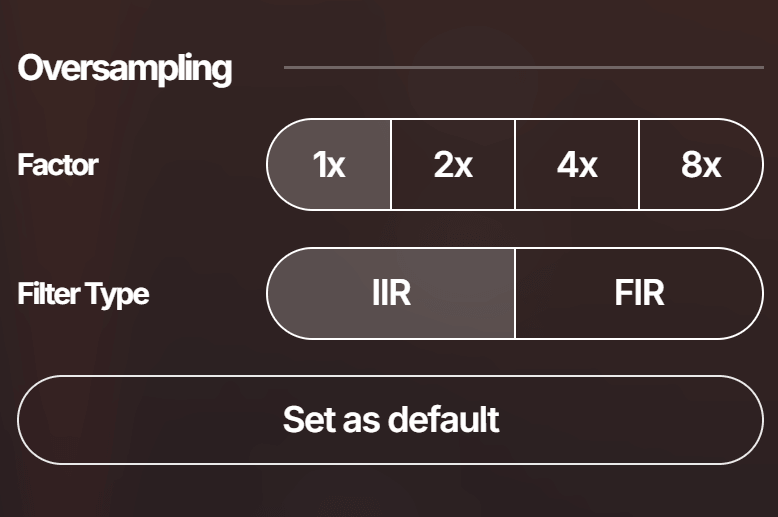
Oversampling
Up to 8× oversampling with selectable IIR/FIR filters. Reduces aliasing.
INTERFACEBeauty That Meets the Eye.
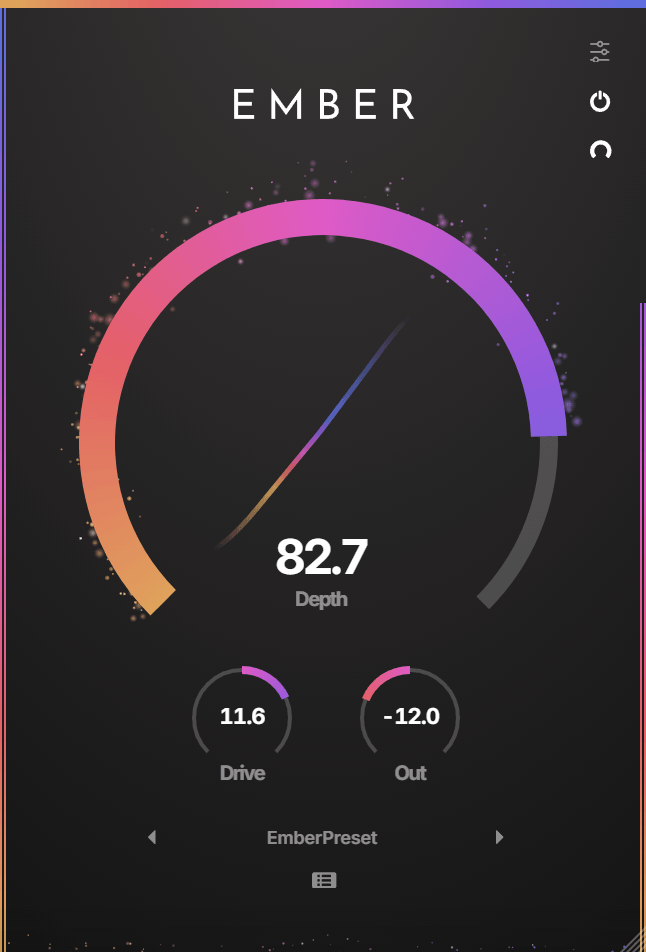
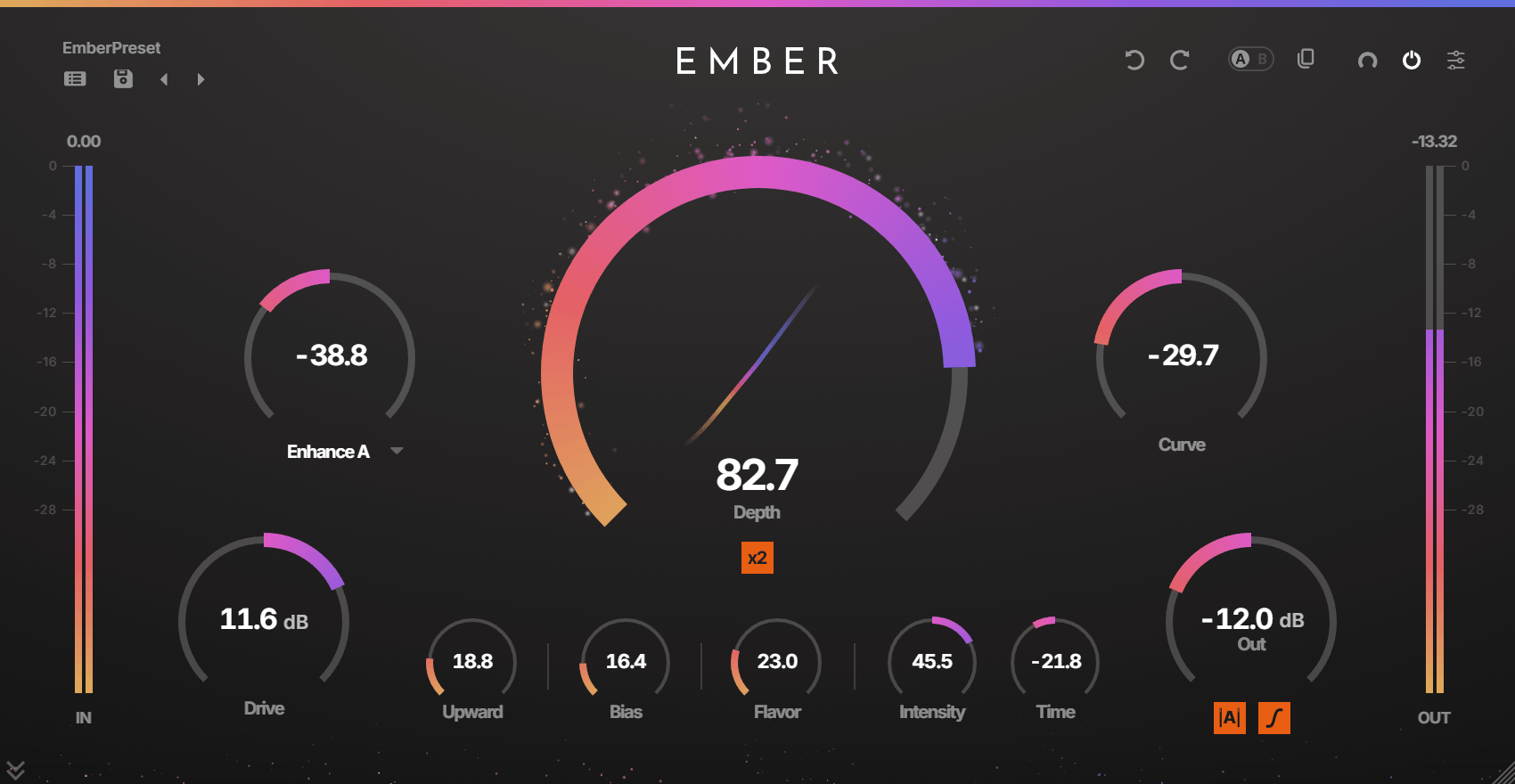
ZEN MODE
Too many knobs and seems difficult to use?
Switch to ZEN MODE for a simpler display.
Just select a preset, then adjust the 3 knobs to your liking.
Effect Quality
Choose from three levels of visual quality.
From ember particle effects to mystical light effects, enjoy an even more impressive visual experience.
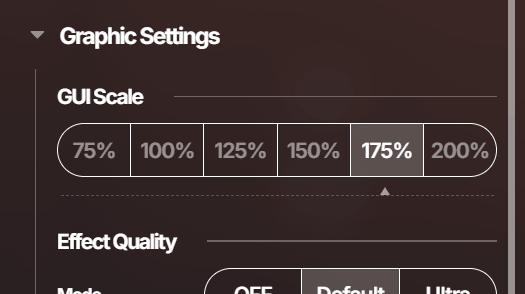
Freely Scalable UI
Pixel-perfect at any window size.
Drag the bottom-right corner of the plugin to resize freely.
Level Meter
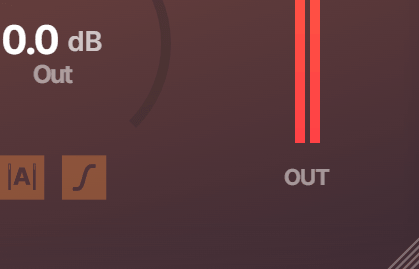
Show or hide the IN/OUT level meters at any time.
Customize peak hold time and headroom to tailor the display to your monitoring style.
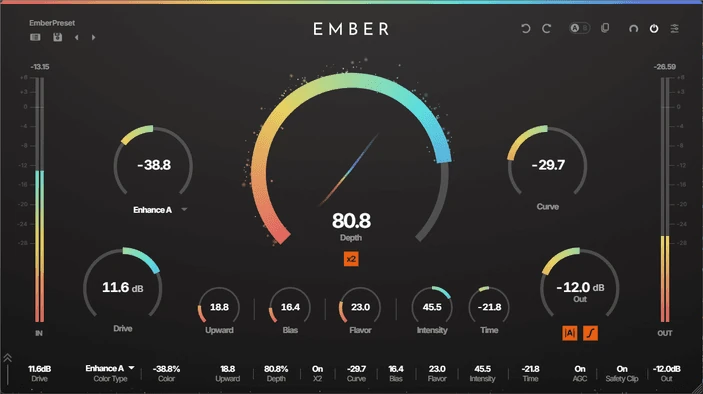
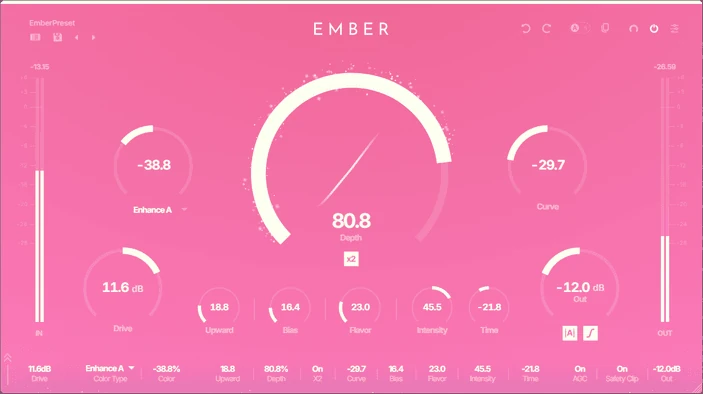
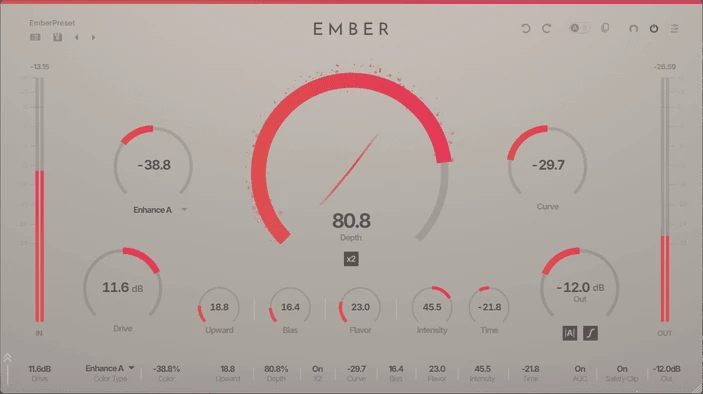
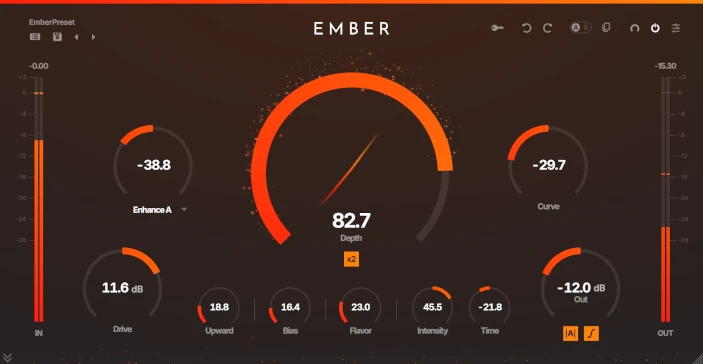
Color Themes to Paint Your Imagination
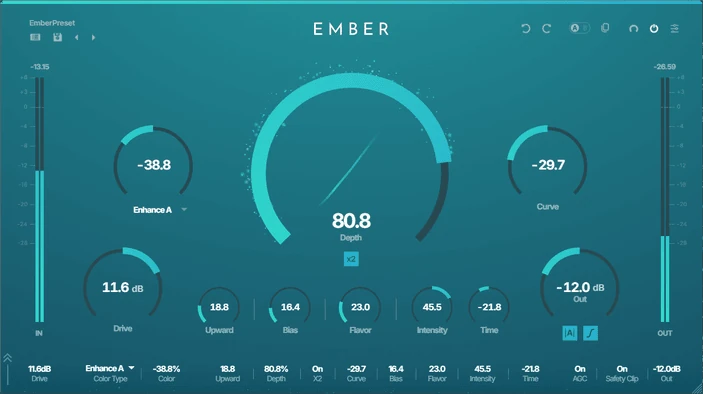
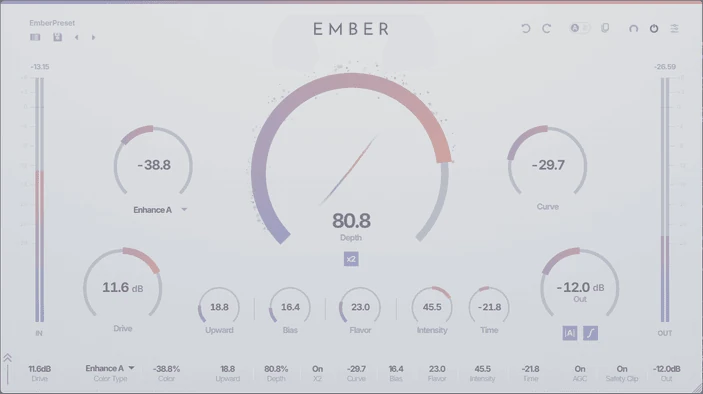
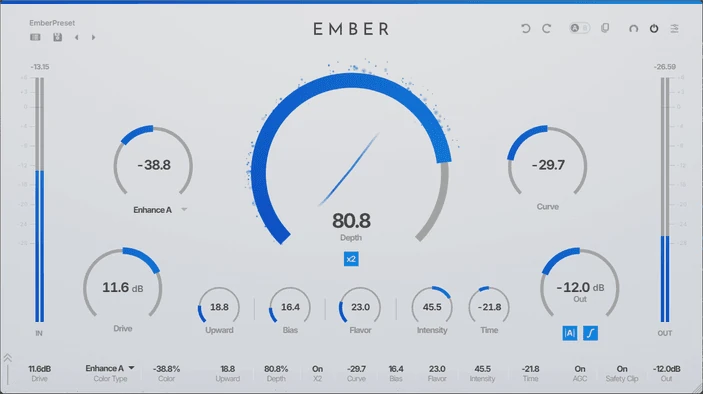
Over 70 vibrant and beautiful color themes inspired by a wide variety of motifs. When you want to change the mood for each project. When you want to discover today's lucky color. You're sure to find your own favorite.
INTERFACEKey Features
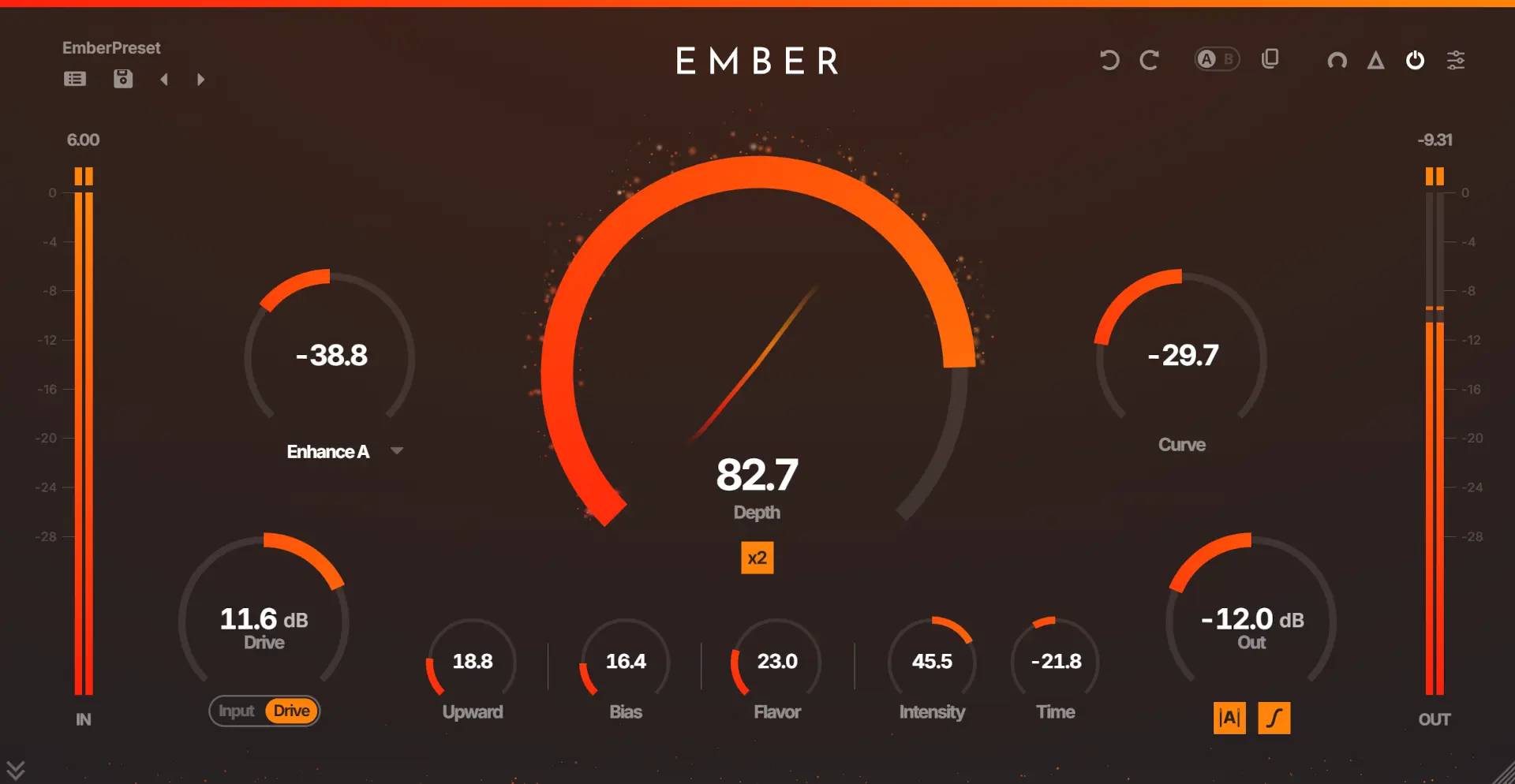
- Preset BrowserBrowse, save, and manage presets. Includes favorites and folder navigation.
- Undo / RedoRevert the last action or reapply the last undone action.
- A/B CopyCopies the selected bank to the other one.
- A/BToggles banks A and B, each able to store the current state.
- Undo / RedoOutputs only the part of the signal affected by EMBER when enabled.
- MASTER ON/OFFTurns the plugin processing on/off.
- ZEN MODEToggles ZEN MODE for simple UI operation.
- SettingsOpens the plugin's advanced settings menu.
- DEPTHControls the amount of shaping.
- x2Boosts the effect of DEPTH.
- COLORApplies filtering based on COLOR TYPE.
- COLOR TYPESelecting a COLOR TYPE sets the behavior of COLOR.
- INPUT/DRIVEToggles control between DRIVE and INPUT.
- DRIVEControls the input level.
- CURVEAdjusts the shaping curve.
- OUTControls the output level.
- UPWARDBoosts low-level signals for upward compression.
- BIASAsymmetric shaping generates even-order harmonics.
- FLAVORDynamically adjusts the shaping curve based on the input level.
- INTENSITYAdjusts shaping tone based on the input level.
- TIMEAdjusts envelope and delay of INTENSITY.
- AGCAdjusts output level dynamically toward input level when enabled.
- SAFETY CLIPHard-clips peaks to keep output from exceeding 0 dB when enabled.
FAQFrequently Asked Questions
What plugin formats does EMBER support?
What is EMBER?
Is the free trial fully functional?
Can I use EMBER on multiple computers?
Does EMBER support oversampling?
What is ZEN MODE?
SPECSystem Requirements
System Requirements
Windows
– Windows 10 or higher (64-bit only)
macOS
– macOS 11 (Big Sur) or higher
– Intel and Apple Silicon native support
General
– At least 4GB of RAM, 8GB or more recommended
– At least 100MB of free drive space
Tested Hosts
- Ableton Live 12+
- Bitwig Studio 5+
- Cubase 12+
- FL Studio 2024+
- GarageBand 10+
- Logic Pro 11+
- Studio One 6+
- Reaper 7+