VOL. 03COMING SOON
Feel into the Distortion.
Multiband
Fuzz Designer
Multiband Fuzz

OVERVIEWA joy to control, every time.
QUADILA, a multiband fuzz plugin, was designed to let you freely design a wide variety of distortion with intuitive control.
From quick tone shaping to detailed sound design, QUADILA keeps you focused without losing your inspiration.
Please experience the feeling of reaching your hand directly into the distortion itself.
SOUND EXAMPLES
PRESETSPresets Crafted by Leading Producers
QUADILA's factory presets are crafted by leading producers. More presets are coming in future updates. Stay tuned.
SOUNDFlexible design, endless possibilities.
Multiband Control
Shape multiple independent bands freely, with intuitive and precise control.
A custom-designed resonance filter delivers a wide range of unique character.
Choose Freely from 10 Types of Distortion
Select from 10 uniquely designed shapers for each band.
Shape your way to the ideal distortion.
Comprehensive Finishing Tools
Includes an easy-to-use post filter and a high-quality clipper.
Expand your options for final shaping.
Bias
Asymmetric shaping generates even-order harmonics.
Dynamic
Adjusts shaping tone based on the input level.
Autogain
Apply independent autogain to each band.
INTERFACEIntuitive control. Build distortion with confidence.
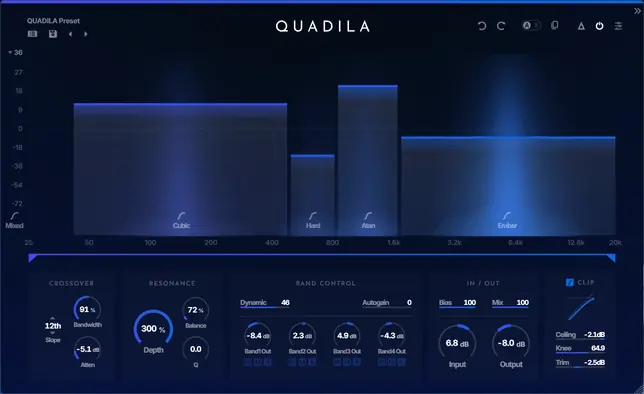
Intuitive Band Control
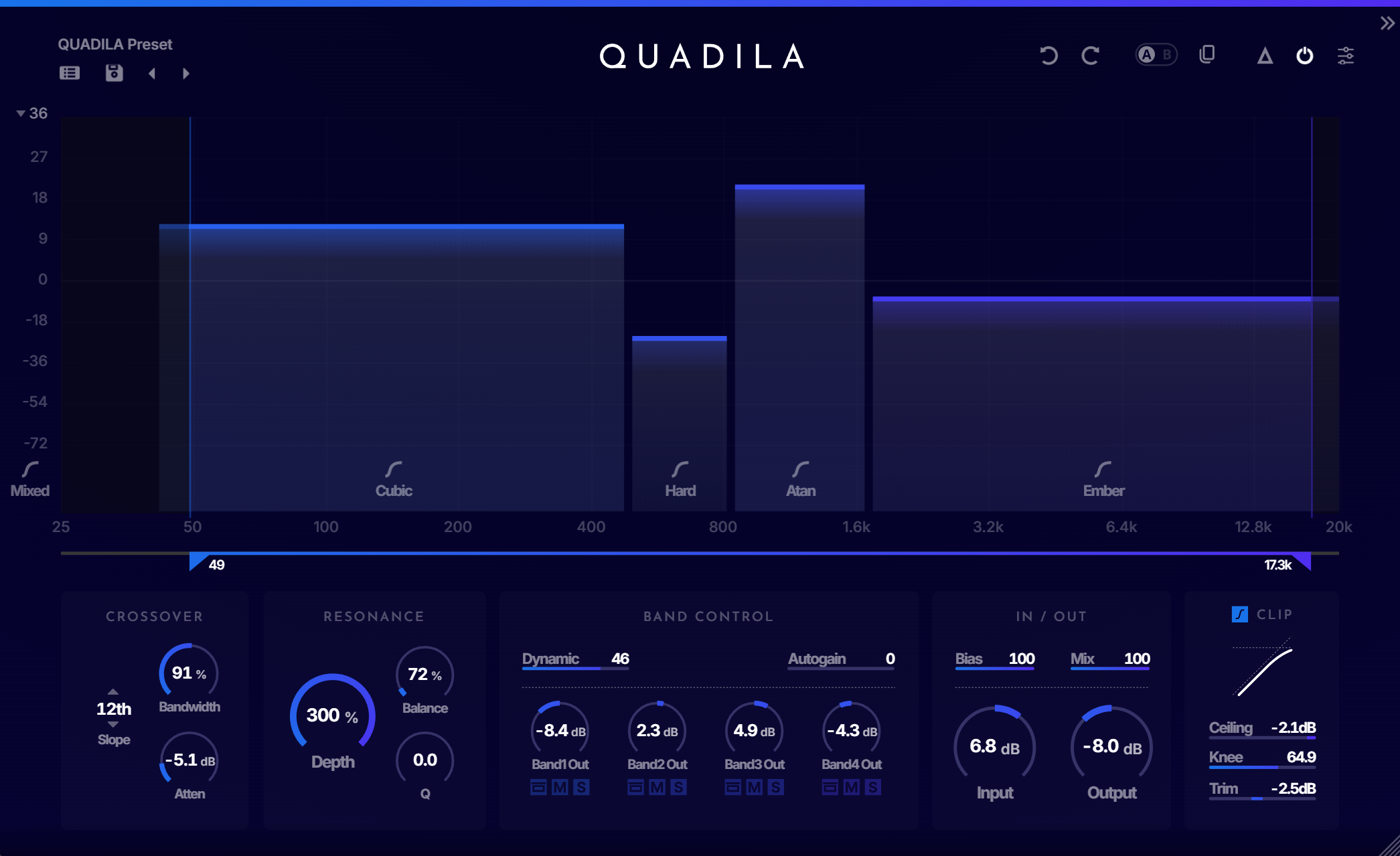
Control each band's parameters graphically. Adjust drive, manipulate band ranges, and switch shaper types with ease.
Flexible Crossover Control
Flexibly control the crossovers between bands. Merge, split, and shape the frequency ranges exactly as you want.
Visual Guide Display
A custom visual guide provides clear feedback on parameter changes, helping you design sound with confidence and precision.
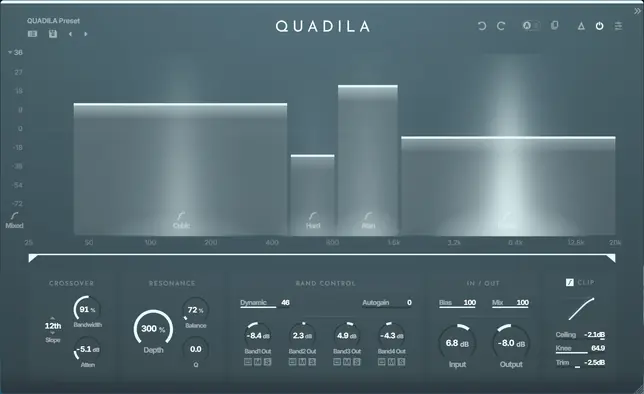
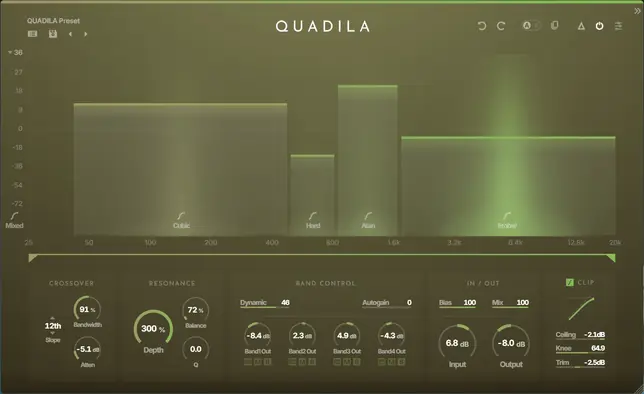
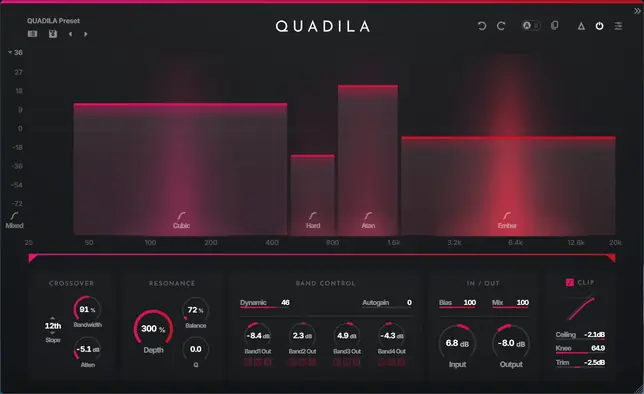
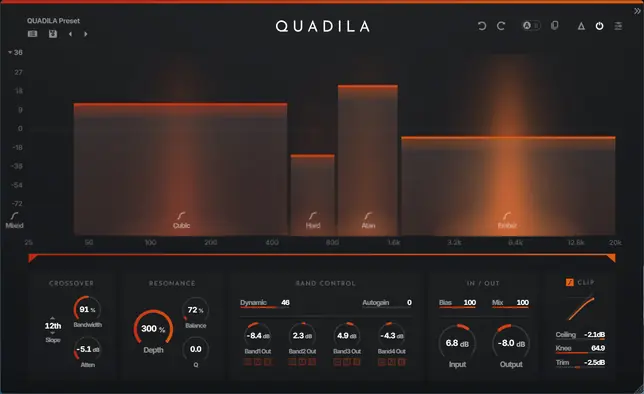
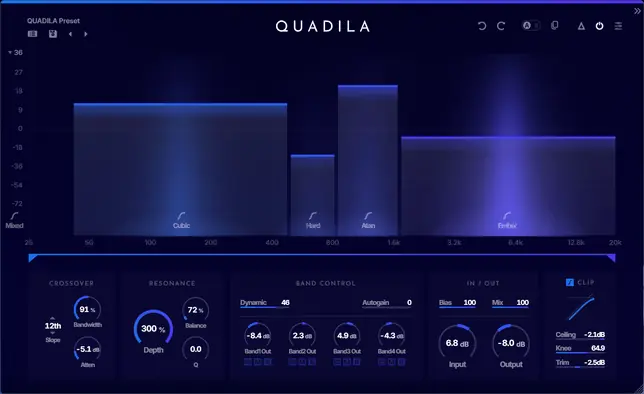
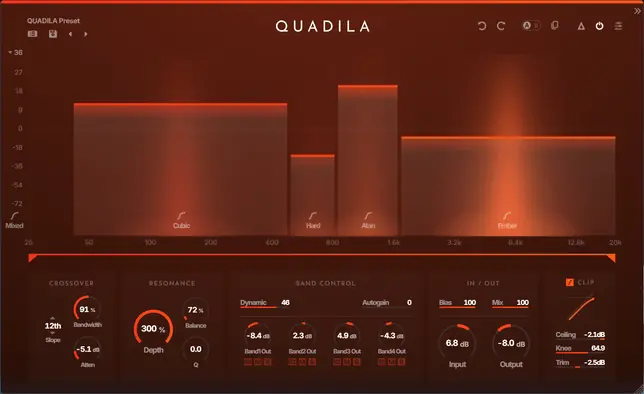
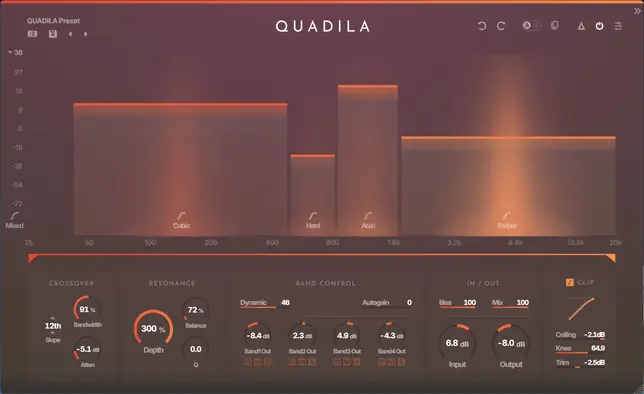
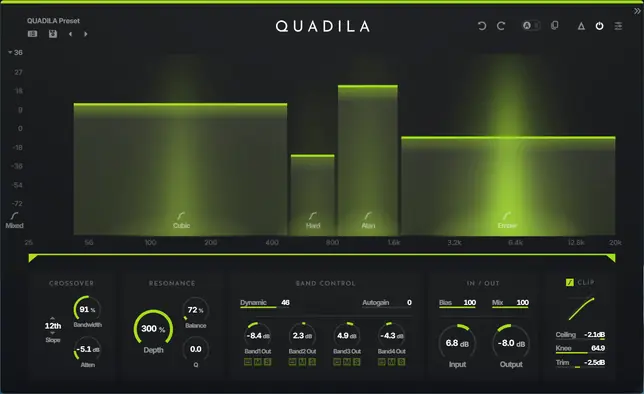
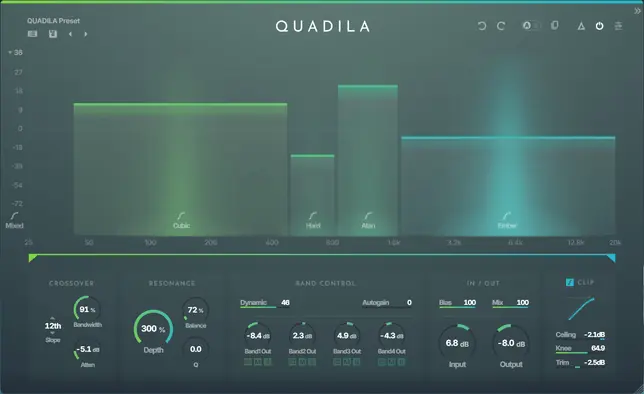
Color Themes to Paint Your Imagination
Over 70 vibrant and beautiful color themes inspired by a wide variety of motifs. When you want to change the mood for each project. When you want to discover today's lucky color. You're sure to find your own favorite.
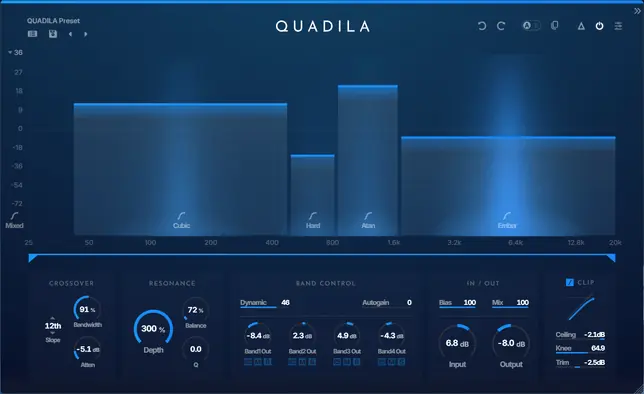
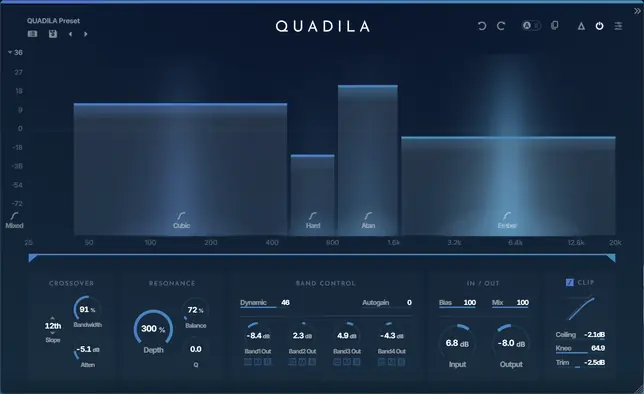
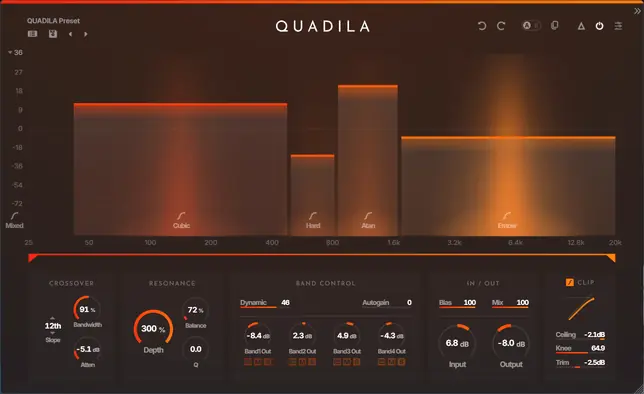
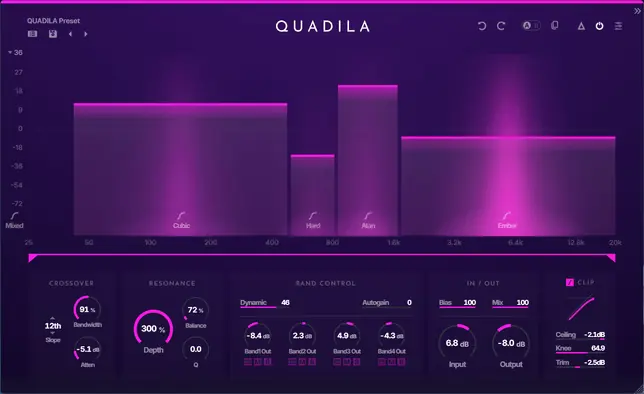
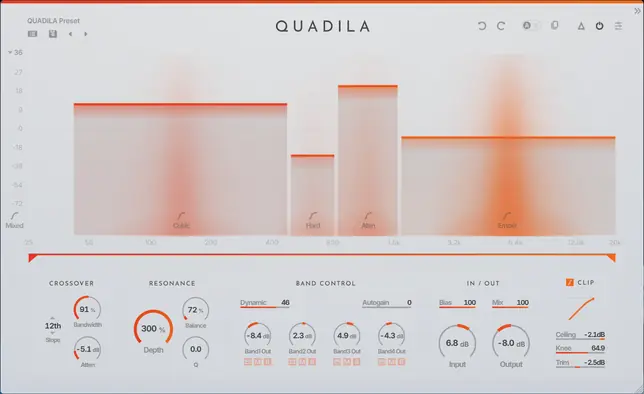
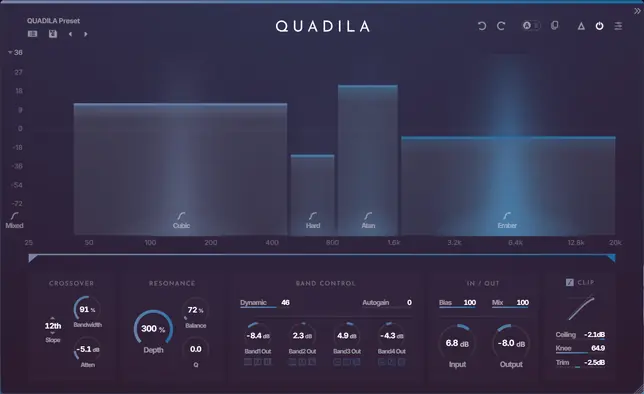
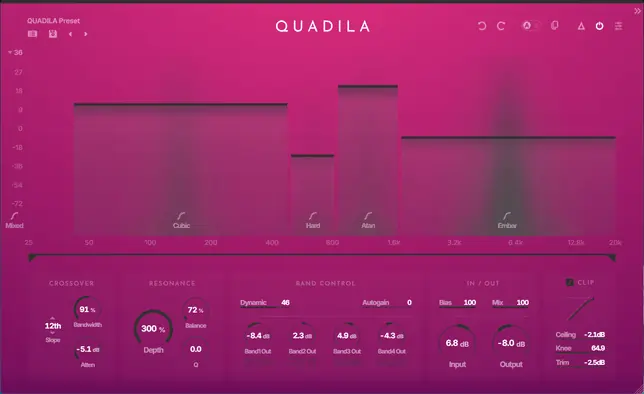
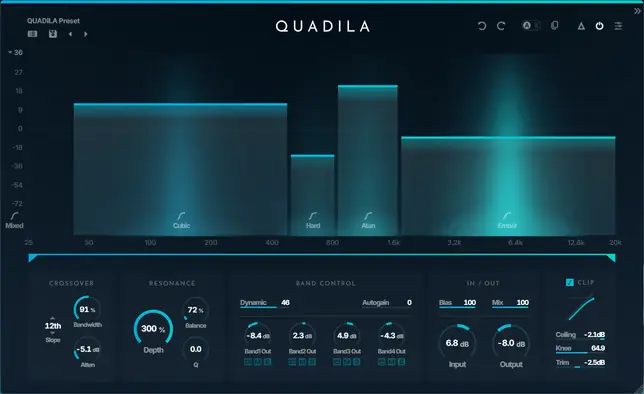
INTERFACEKey Features
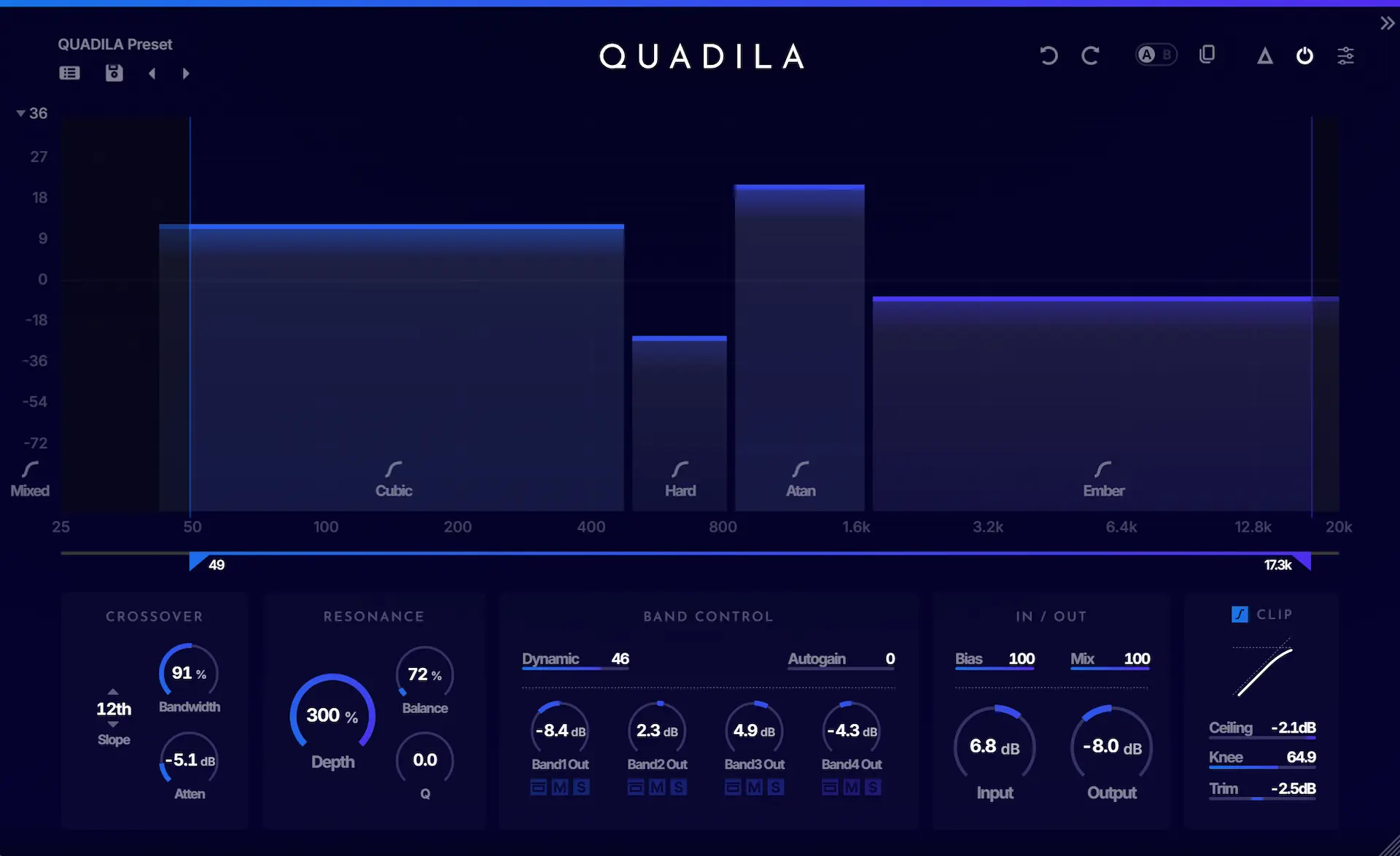
Preset BrowserShow the preset list.
Undo / RedoRevert the last action or reapply the last undone action.
A | BToggle between banks A and B, each able to store the current state independently.
A | B CopyCopy the selected bank to the other one.
DeltaWhen enabled, output only the difference introduced by QUADILA.
Master ON/OFFTurn the plugin processing on or off.
SettingsOpen the settings panel.
Band / DriveAdjust the frequency range of each band and control its input level.
ShaperSelect a shaper type for each band.
CrossoverControl the crossover boundary between bands.
CrossoverSelect the crossover filter type, control the band width, and attenuate the crossover region.
ResonanceUse Depth, Balance, and Q to control the amount, frequency, and sharpness of the resonance filter.
Band ControlShape the response with Dynamic and Autogain, then balance each band's output.
IN / OUTUse Bias, Mix, Input, and Output to set the overall tone and level.
ClipEnable Safety Clip, then fine-tune Ceiling, Knee, and Trim.
Post FilterAdjust the overall range of the Post Filter.
- Preset BrowserShow the preset list.
- Undo / RedoRevert the last action or reapply the last undone action.
- A | BToggle between banks A and B, each able to store the current state independently.
- A | B CopyCopy the selected bank to the other one.
- DeltaWhen enabled, output only the difference introduced by QUADILA.
- Master ON/OFFTurn the plugin processing on or off.
- SettingsOpen the settings panel.
- Band / DriveAdjust the frequency range of each band and control its input level.
- ShaperSelect a shaper type for each band.
- CrossoverControl the crossover boundary between bands.
- CrossoverSelect the crossover filter type, control the band width, and attenuate the crossover region.
- ResonanceUse Depth, Balance, and Q to control the amount, frequency, and sharpness of the resonance filter.
- Band ControlShape the response with Dynamic and Autogain, then balance each band's output.
- IN / OUTUse Bias, Mix, Input, and Output to set the overall tone and level.
- ClipEnable Safety Clip, then fine-tune Ceiling, Knee, and Trim.
- Post FilterAdjust the overall range of the Post Filter.
FAQFrequently Asked Questions
What plugin formats does QUADILA support?
QUADILA supports VST3 and AU (macOS only). It runs on Windows 10/11 (64-bit) and macOS 11 or later (Intel / Apple Silicon).
What is QUADILA?
QUADILA is a multiband fuzz plugin.
With intuitive control, it lets you freely design a wide variety of distortion, covering everything from quick tone shaping to deeply detailed sound design.
Is the free trial fully functional?
Yes. After signing in, the 14-day trial lets you use all features without restriction.
After the trial period ends, it switches to Limited Mode, where 2 seconds of silence are inserted every 15 seconds. You can also start using QUADILA immediately in Limited Mode without signing in.
Can I use QUADILA on multiple computers?
Yes. One license can be activated on up to two computers at the same time.
SPECSystem Requirements
System Requirements
QUADILA is available in VST3 and AU (macOS only) formats. 64-bit only.
VST3AU (macOS)
Windows
- Windows 10 or later (64-bit only)
- VST3
macOS
- macOS 11 (Big Sur) or later
- Native support for Intel / Apple Silicon
- VST3 / AU
General
- 4GB of RAM or more (8GB or more recommended)
- At least 100MB of free disk space
Verified Hosts
Ableton Live 12+Bitwig Studio 5+Cubase 12+FL Studio 2024+GarageBand 10+Logic Pro 11+Studio One 6+Reaper 7+
Feel into the Distortion.
After signing in, you can try all of QUADILA's features in a 14-day free trial. You can also launch it immediately in Limited Mode without an account.